HackTown
Cyber Criminal University - Home

You are not logged in. You will only be able to access the courses in GREEN from the course list.
Chapter 2 - Pre-requisites
I recommend always using an updated and valid copy of Microsoft Word or Microsoft Office when testing things out. Don't use your personal licensed copy for anything besides testing! When you're active in the world as a cybercriminal and making money then you can purchase another license for "work". Remember, If you have your own personal copy of Microsoft Office or Microsoft 365 this is fine when following along through the course but be very mindful not to use your own licensed copy of Microsoft Office when creating real world things as you don't want to leave any metadata within your malicious documents to be found. There's no need to link anything to your real identity. Who knows what metadata you'll leave behind in future versions of Word.
Metadata refers to the information that is stored within a file and is used to provide some sort of context or description about that file. Metadata is often invisible to the average computer user and provides supporting information about the file in which it's stored.
Metadata that is found in a document can include:
The amount of metadata included in a file ultimately depends on the software that was used to create it. You should be very careful if you're using software you legitimately paid to help create your cybercriminal empire since we cannot say 100% that ALL metadata will be wiped from specific files.
It's best to assume there's some sort of metadata being added into every file you touch on your computer so don't associate yourself to a product you paid for by using your real name or something like this. Keep everything separate. Remember ACT 0?! Fucks sake.
Ohhh metadata you so tricky!
From here on we can assume you're using a licensed updated copy of Microsoft Office/Word.
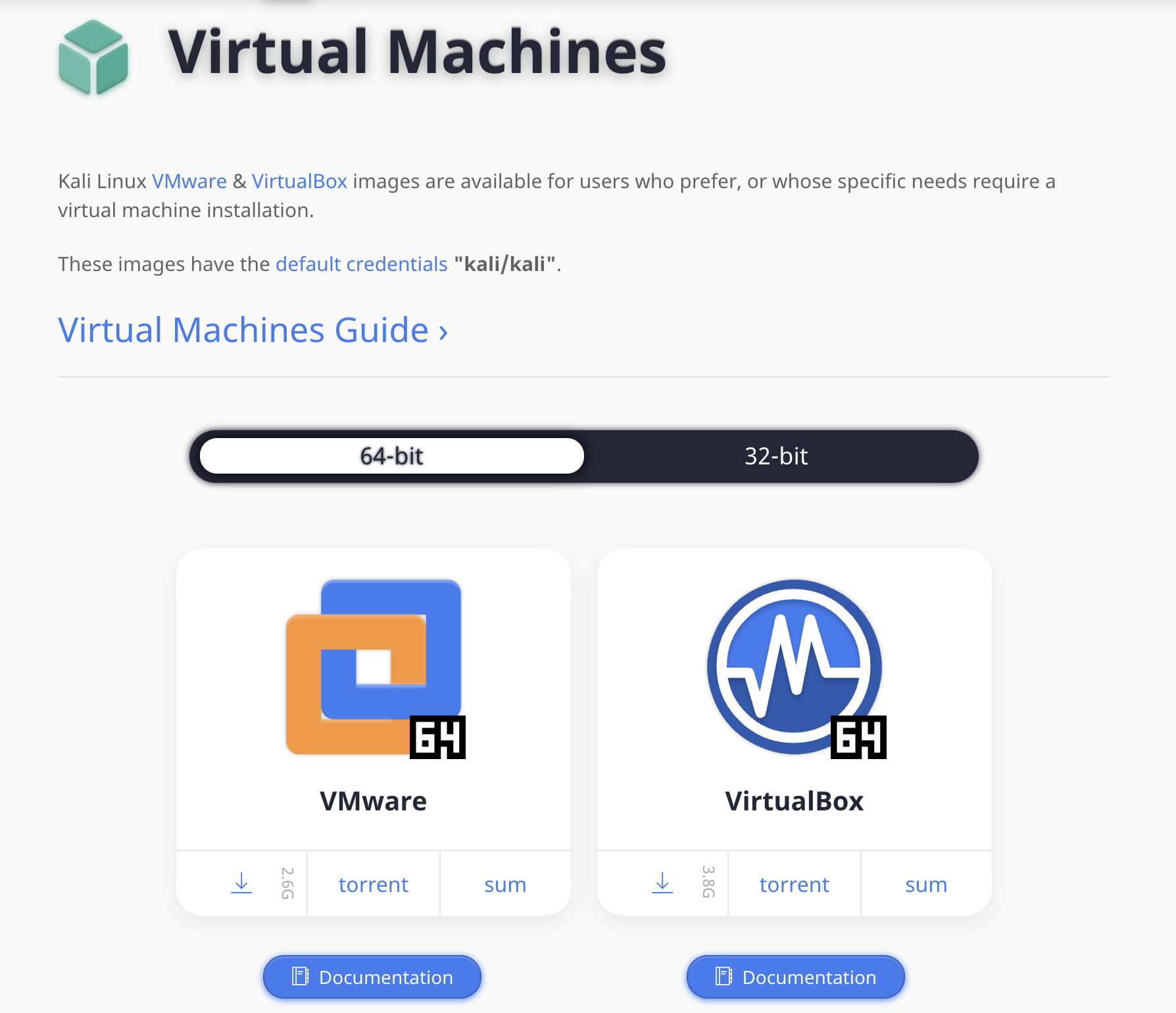
Download Kali VirtualBox
https://www.kali.org/get-kali/#kali-virtual-machines
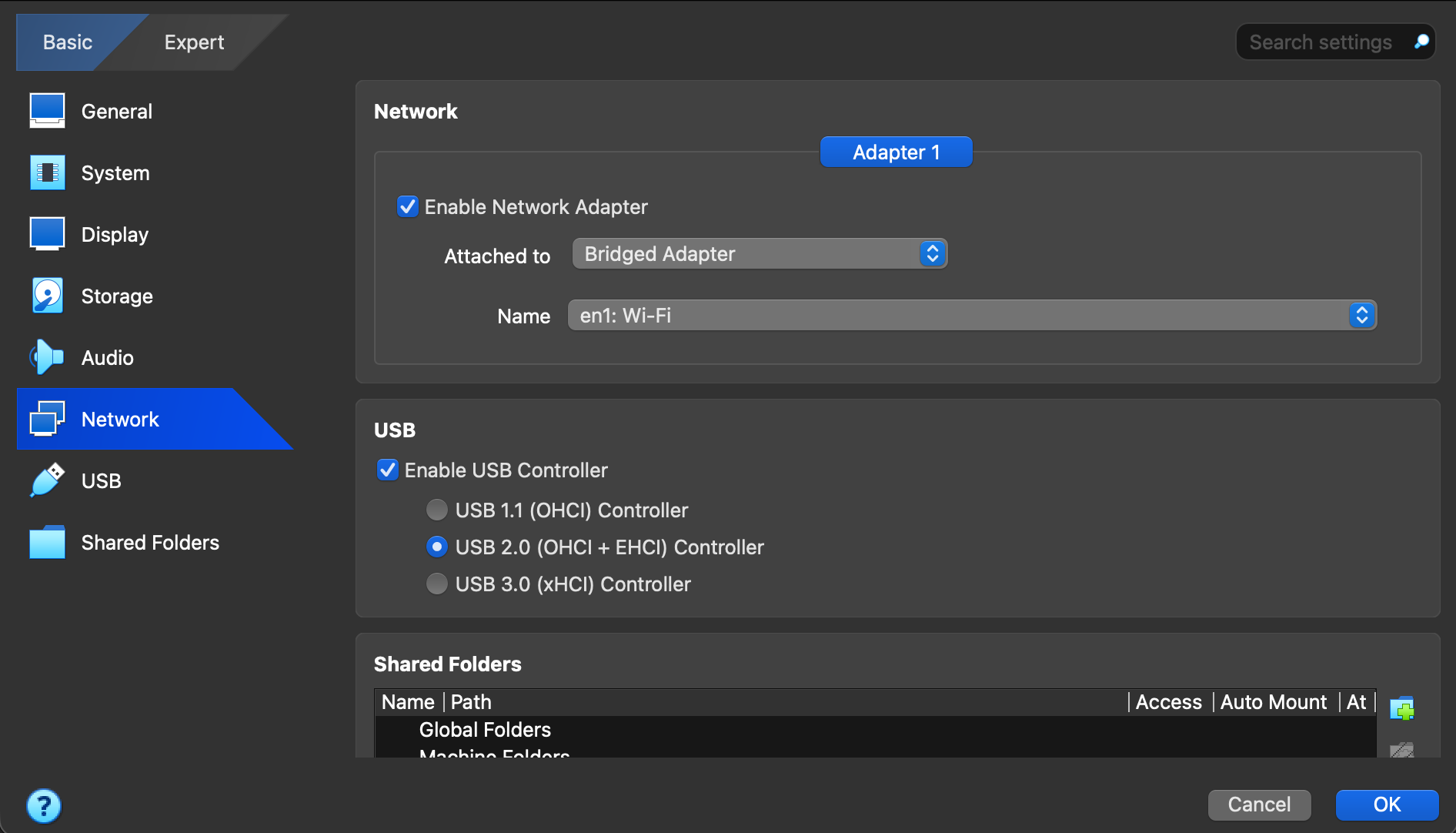
Before starting the Kali VM go to the Kali VirtualBox settings and change the Network settings under Devices - Network - Network Settings. Change from "NAT" to "Bridged Adapter" on your Kali VM then click OK. You may encounter some network issues by not doing later on in the course. Ensure this is done! The example is using en1 as the Wi-Fi card but yours will be different.
You can now start up your Kali VM. It's best to use a fresh Kali VM to make sure nothing is conflicting or interfering so ensure you're using a fresh install.
Open a new Terminal in Kali VM and type:
sudo apt update && sudo apt install python3-pip -y && sudo apt dist-upgrade -y
mkdir Macro-Guide
cd Macro-Guide
git clone https://github.com/trustedsec/unicorn.git
"Magic Unicorn is a simple tool for using a PowerShell downgrade attack and inject shellcode straight into memory. Based on Matthew Graeber's PowerShell attacks and the PowerShell bypass technique presented by David Kennedy (TrustedSec) and Josh Kelly at Defcon 18."
Using Magic Unicorn is super fucking easy and it will automatically generate a PowerShell command that you can copy and paste into a command line window or through a payload delivery system. Magic Unicorn supports your own shellcode, cobalt strike, and Metasploit but most importantly contains some macro generated code as well we can utilize.
Ok pre-requisites are installed. Let's get started!